
You cannot rehearse a fire. We build the next best thing.
Virtual reality makes it possible to simulate situations that are too dangerous, too rare or too expensive to rehearse for real. Operators take real decisions in an environment that feels like the installation they know, consequences of a wrong choice included.
Ask for an example from your sectorTechnical specs
- Platform
- Meta Quest 3 (standalone, no PC required)
- Connectivity
- Offline use possible, no wifi needed on site
- Environments
- Built to order from your installation or CAD models
- Interaction
- Full 6DOF, hand tracking, controller based
- Reporting
- Decisions and outcomes logged per session
- Lead time
- First module available in 6 to 10 weeks
Taking decisions under pressure, in an environment that feels like the real world.
A VR simulation places the participant in a fully three-dimensional environment built from your installation. Not a generic plant: your compressor hall, your control room, your outdoor arrangement.
They can move, pick up objects, operate valves and communicate while a scenario unfolds. A pressure reading climbing. An alarm going off. A colleague performing the wrong action. The participant has to respond, and the environment responds to that choice.
Afterwards comes a debriefing based on the recorded decisions: what did the participant do, at what moment, and what followed from it? That is the basis for a focused review, grounded in what actually happened rather than in what somebody thinks they did.
Scenarios we build
- › Fire and explosion risk, evacuation and first response
- › Toxic or flammable release, assessment and action
- › Equipment failure under operational pressure, diagnosis and escalation
- › Emergency procedures and shutdown sequences
- › Working at height and in confined spaces, hazard recognition
- › Shift handover situations with hidden information
VR works best for situations you could otherwise never rehearse.
Suitable for VR
- › Rare but high-consequence situations: fire, explosion, hazardous release
- › Emergency procedures that are never rehearsed for real
- › Situational awareness and decision-making under time pressure
- › Onboarding operators who do not know the installation yet
- › Transferring expert knowledge to new staff through simulated scenarios
- › The annual refresher for rare procedures that are nonetheless critical
Less suitable for VR
- › Daily routine operations people already have well in hand
- › Pure knowledge transfer (facts, legislation, terminology), where e-learning is more efficient
- › Large groups that have to learn at the same time, economies of scale only start at 15+ participants
- › Situations that come down purely to memorising a procedure
VR is most effective as part of a blended programme. We combine it as standard with e-learning preparation and a microlearning refresher after the session.
Solutions where VR makes the biggest difference.
VR simulations are deployed as a core component or as an addition to these solutions.
Scenario training →
Rehearsing emergencies in a safe environment, where VR is the most effective form.
Process safety →
Making HAZOP scenarios and escalation paths understandable through immersive simulation.
Ready on day one →
Contractors explore your installation virtually before they set foot on site.
Expert knowledge →
Turning the situational judgement of experts into repeatable VR scenarios.
Multilingual onboarding →
Visual learning lowers language barriers, so VR works where spoken instruction fails.
Complex project teams →
Site familiarisation for hundreds of contractors without a day-one bottleneck.
Technical specifications.
Hardware
Meta Quest 3 (standalone). No PC, no backpack, no cabling. Ready to use on site.
Connectivity
Fully usable offline. Modules are loaded onto the headset in advance, so no wifi is needed on the work floor.
Environment build
Custom 3D environments built from CAD files, floor plans, or photographs and video of your installation.
Interaction
Full 6DOF freedom of movement. Hand tracking or controllers. Object manipulation, locomotion, interface interaction.
Reporting
Every session records decisions, timing and outcomes. Exportable per employee to CSV or to your LMS.
Lead time
First module ready 6 to 10 weeks after kickoff. Changes or extra scenarios: 2 to 3 weeks per iteration.
VR in practice.
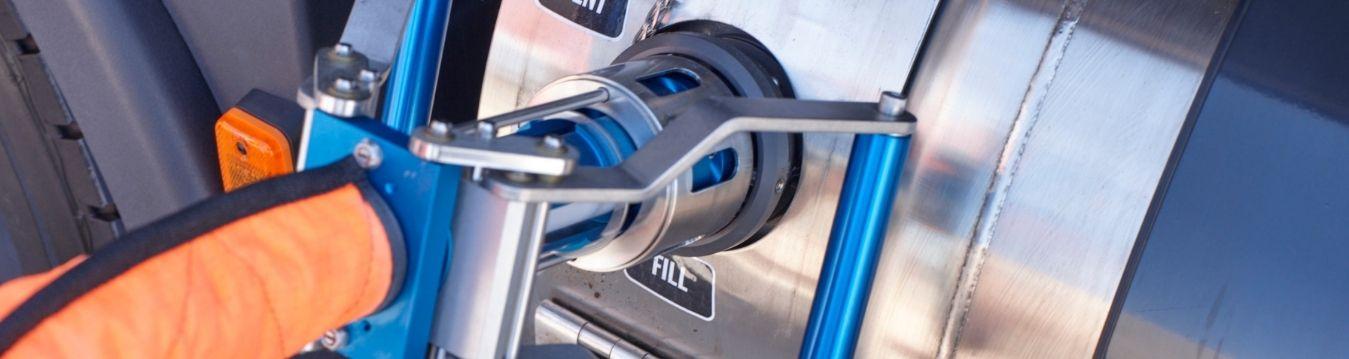
TotalEnergies Gas Mobility
Training service crews for stations spread across Europe
3
learning formats in one programme: 3D work instructions, blended and micro learning
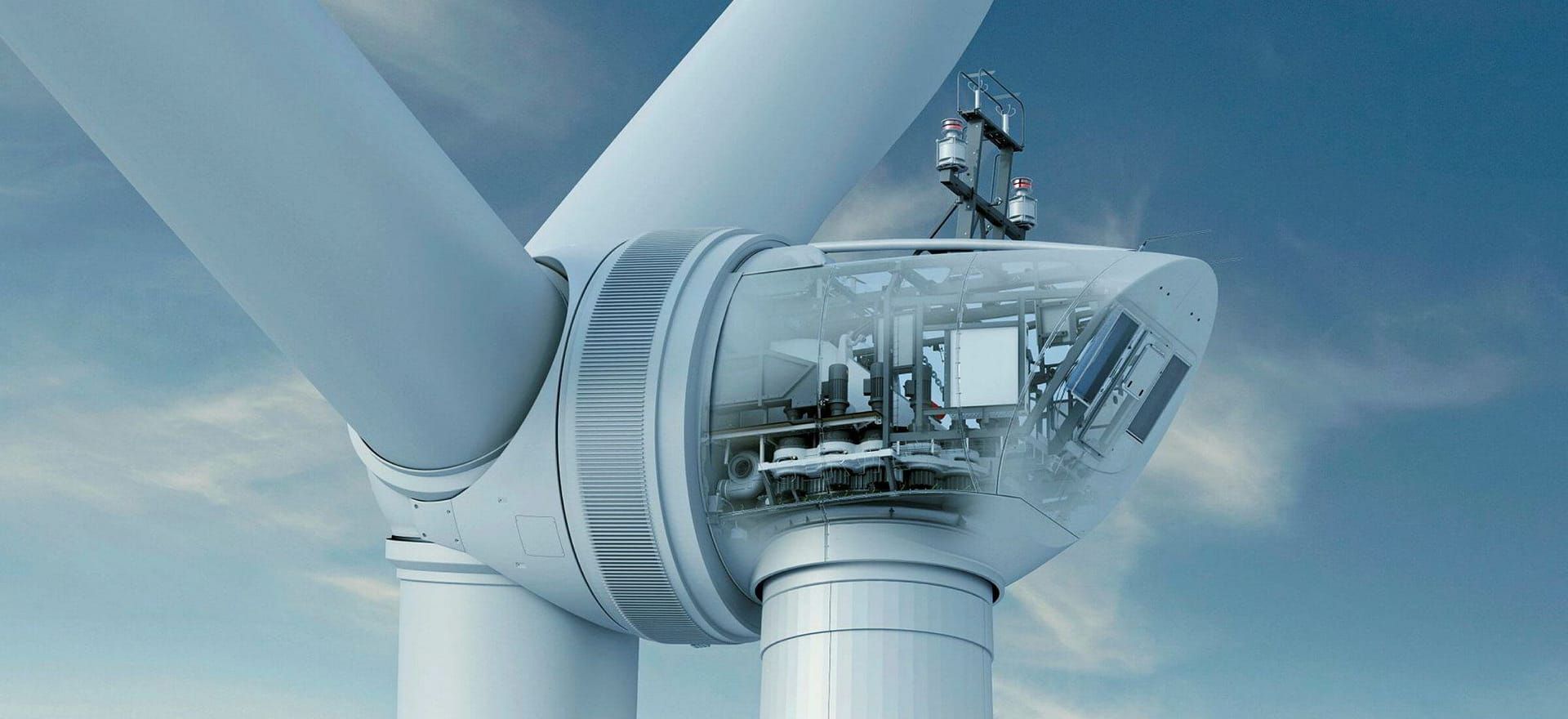
Enercon
Virtual maintenance training for wind turbine technicians
2×
higher knowledge retention vs classroom training
Where are you right now?
Not everyone reading this is ready for a conversation. Pick the step that matches where you are.
01 · Orient
Measure where you stand
Ten questions across five dimensions. You get a radar chart of your training maturity plus three things you can act on straight away.
Take the maturity scan
No form · 5 minutes
02 · Compare
See what it did for others
Cases at Gasunie, Enercon, TotalEnergies and Nel, with what actually changed in onboarding, retention and incidents.
View the cases
No form
03 · Decide
Put your situation to us
Tell us what you are dealing with. You get an assessment of approach, lead time and cost, not a sales pitch.
Ask for an assessment
Response within 24 hours
Want to know whether VR training fits your situation?
Milan
Business development, STARK Learning